How to Turn a Photo Into a Fuse Bead Pattern: Grids, Color Counts and Code Mapping
Converting a photo into a workable pattern is two rounds of lossy compression: spatial sampling turns the image into a finite grid, and color quantization maps thousands of photo colors onto the color codes that actually exist in a bead palette. Understanding those two steps tells you how to set the parameters and where the result will differ from the photo.
Last updated: 2026-11-05
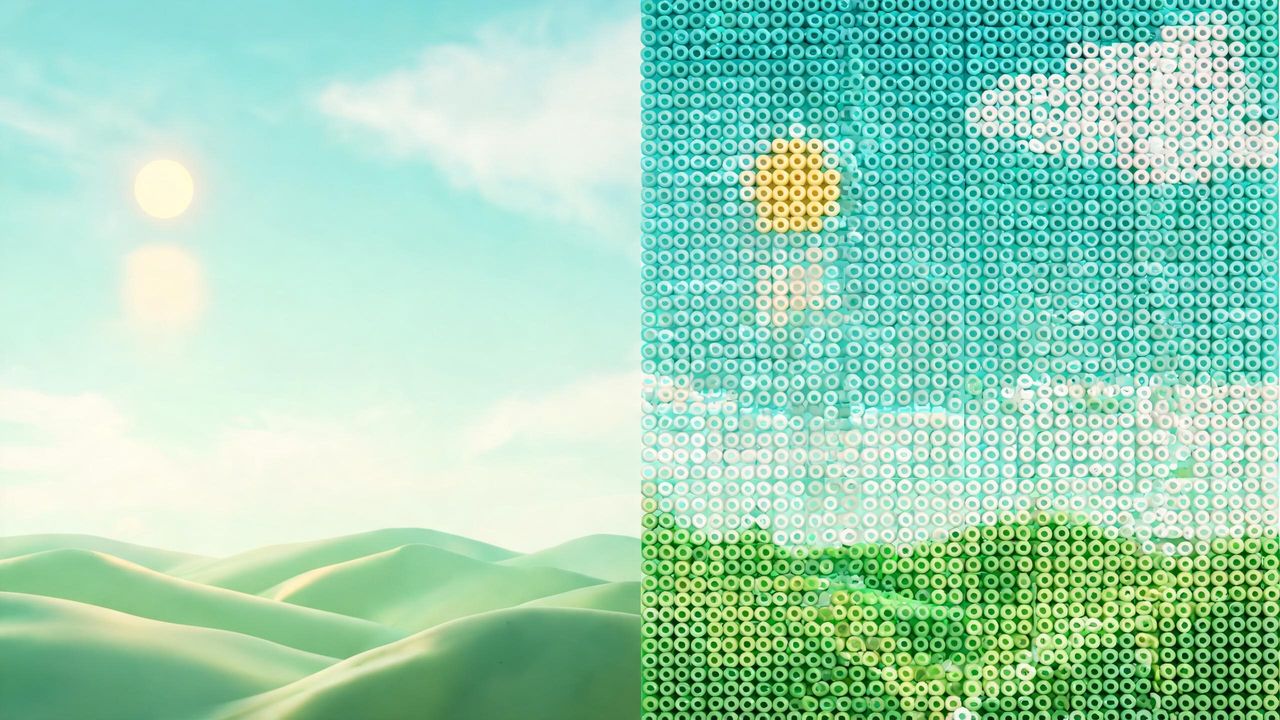
What the conversion does: sampling and color mapping
Spatial sampling cuts the photo into a grid and takes an average color for each cell. A 29×29 pattern has only 841 cells — facial features and small text will be simplified at that size. That is a physical limit of the grid, not a flaw in the tool. To keep detail, either move to a larger board (56×56 or 57×57, about 28 cm finished) or pick a photo with a simpler subject and cleaner background.
Color mapping assigns each cell the closest color code in the bead palette. This site indexes 9 brand palettes totalling 1,177 color cards — 988 codes after deduplication — plus a 48-color universal palette. A photo contains far more colors than that, so the mapping is always a nearest-neighbor approximation. That is why exported material lists mark some codes with "≈": those codes are close to, not identical with, the photo's original color.
The two parameters trade off against each other: more cells and more colors bring the result closer to the photo but raise the cost of buying and placing beads. In practice, pick the board size first, then the color count.
Choosing grid size and color count
Match the board to the use: keychains and charms use 14×14 or 15×15 boards (7–7.5 cm finished in Midi 5mm); the standard single-pattern size is 29×29 (14.5 cm finished, 841 beads solid); faces and landscapes keep their detail on 56×56 / 57×57 boards or a multi-board array. The same pattern works on any size — only the physical dimensions change, by the rule edge = cells × bead diameter.
Start with 12 to 24 colors. Too few and large areas blur together and outlines smear; too many and the shopping list grows while near-identical shades become impossible to tell apart at the board. Portrait photos usually read well at around 16 colors; landscapes tolerate 24–32.
The converter runs entirely in your browser — photos are processed locally and never uploaded. After uploading, judge the grid preview first: crop and enlarge a small subject, or blur or replace a busy background, before touching other settings.
- 14/15 small boards: keychain size — pick bold outlines and clean backgrounds
- 29 standard board: the most common size, 841 beads solid, 14.5 cm finished
- 56/57 super boards or multi-board arrays: first choice for faces and scenery
- 12–24 colors to start; more colors does not mean a better result
After export: what to check
Export the PDF or image pack with color codes, then review the overview page before splitting boards: are the eyes and mouth recognizable at this grid size; which codes carry the ≈ mark, and is there a better brand color to substitute manually.
For a first conversion, build a 14-board sample before committing to a large piece. Everything before ironing is reversible — mislaid beads can be fixed at the board — and the only irreversible step is ironing.
Before buying, check your existing stock against the material list: the site's bead directory covers Perler 117, Hama 89, Artkal 176 and seven more brand palettes, searchable by brand, so you can match codes against beads you already own.
Frequently asked questions
- What tool turns a photo into a fuse bead pattern?
- A browser-based converter: it uploads nothing, samples the photo to a grid, maps each cell to the nearest bead color code, lets you pick board size (14–57) and color count, and exports a PDF or image pack with codes and a material list.
- What kind of photo suits a 29×29 pattern?
- Centered single subjects with simple backgrounds — portraits work best. A 29×29 grid has only 841 cells, so group photos or detail-dense scenes distort noticeably; move to 56×57 boards or crop in tight first.
- How many colors should I use?
- Start between 12 and 24: portraits usually read well around 16, landscapes up to 24–32. Too few blurs the outline; too many inflates the shopping list and makes near shades hard to distinguish.
- Why do the pattern colors differ from my photo?
- Because the mapping is nearest-neighbor: photos contain thousands of shades while bead palettes have 988 codes after deduplication. Codes marked with "≈" in the material list are approximations of the photo's original color, not exact matches.
- Can I build the pattern with a different bead brand?
- Yes. Pick your actual brand when downloading and the material list remaps to that brand's nearest colors — exact matches keep the original code, approximations get an "≈" prefix — while the pattern itself always renders in the original colors.